![Klir_Logo_Colour-B.png]](https://knowledgehub.klir.com/hs-fs/hubfs/Klir_Logo_Colour-B.png?width=181&height=90&name=Klir_Logo_Colour-B.png)
The Permits module functions as the central regulatory engine of the Klir platform. A Permit acts as the primary "parent" record for all regulatory activity, storing the legal authority and effective dates.
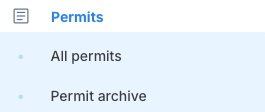
You can access permits from the navigation menu by clicking on All Permits
The main Permits page provides a comprehensive overview of all permits across your organization.
- Dashboard Tiles: Interactive tiles at the top of the page display quick counts for your Total Permits, Incoming, Pending, and Active permits.
- Advanced Searching and Filtering: Users can search and filter the permit inventory by attributes such as Expiry Date, Department, Permit Type, Regulatory Agency, Responsible Contacts, and Tags.
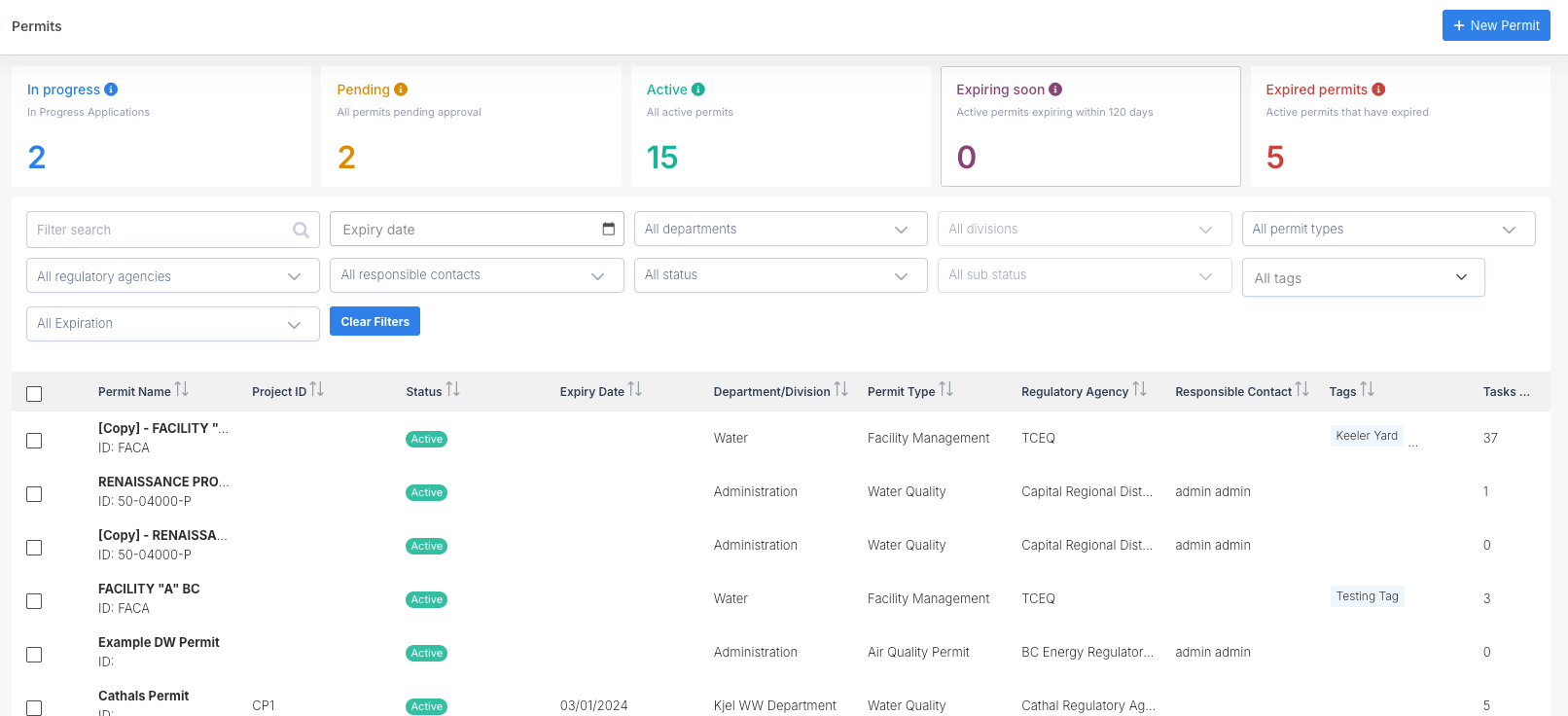
New permits can be created by clicking on the +New Permit button at the top right of the All Permits page.

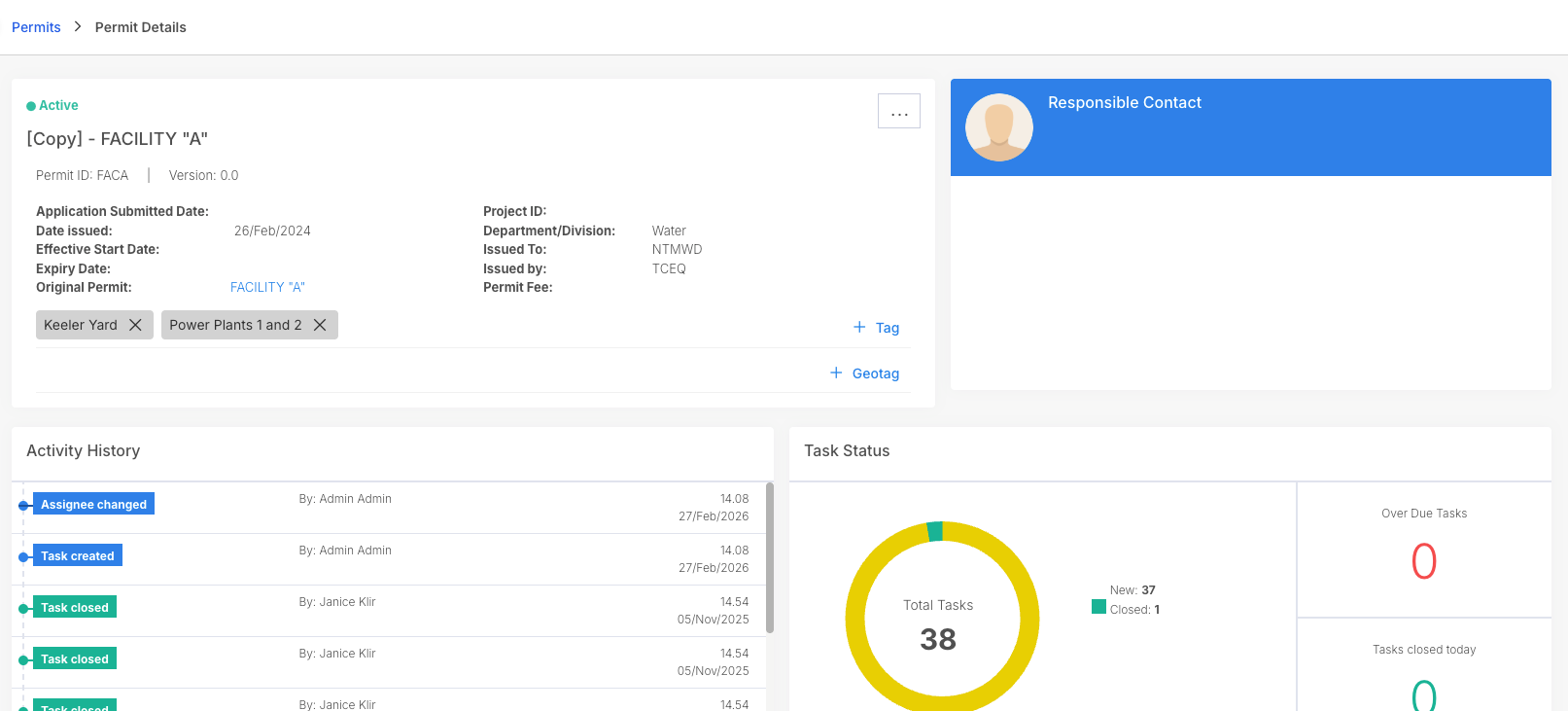
After a permit has been created, it can be clicked on to enter the Permit Details screen.
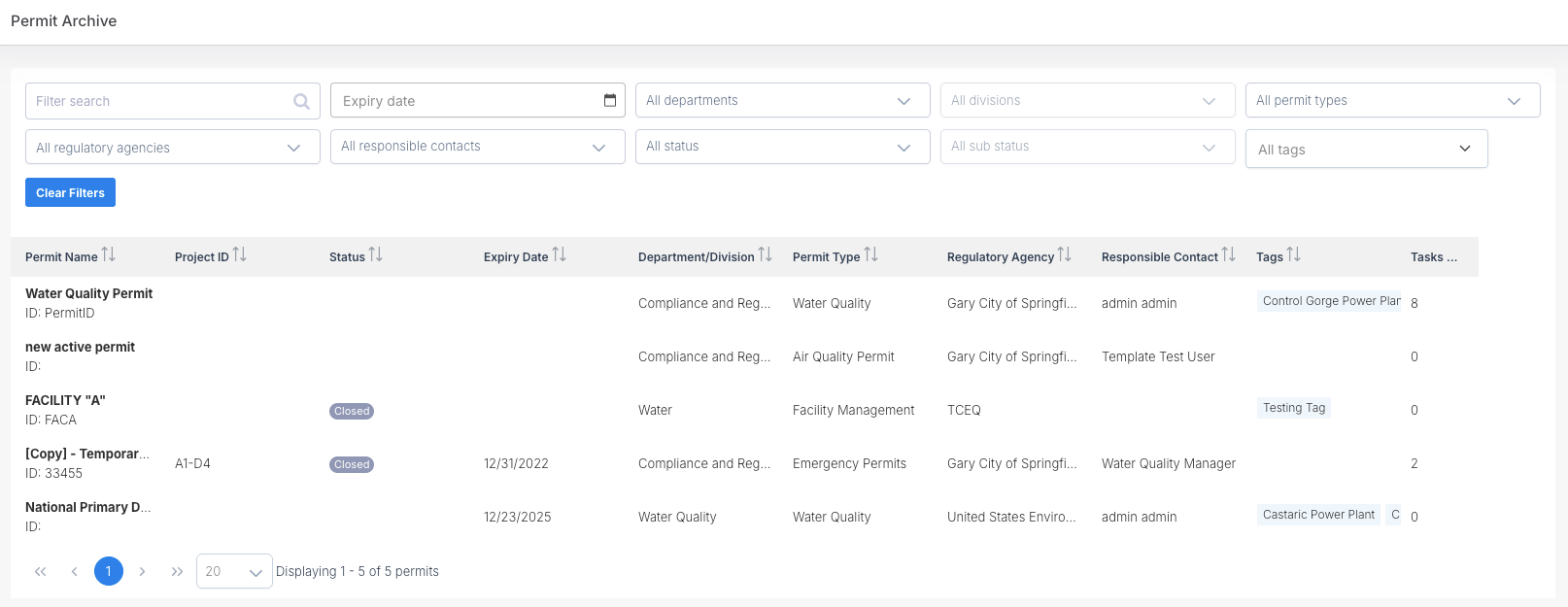
Permit Archiving: When permits expire or are terminated, they can be safely moved to the Permit Archive. This keeps your active workspace clean while preserving historical records. If needed, archived permits can easily be restored using the "Unarchive" function.